How to Print a Group Greeting Card with 30 Pages of Messages

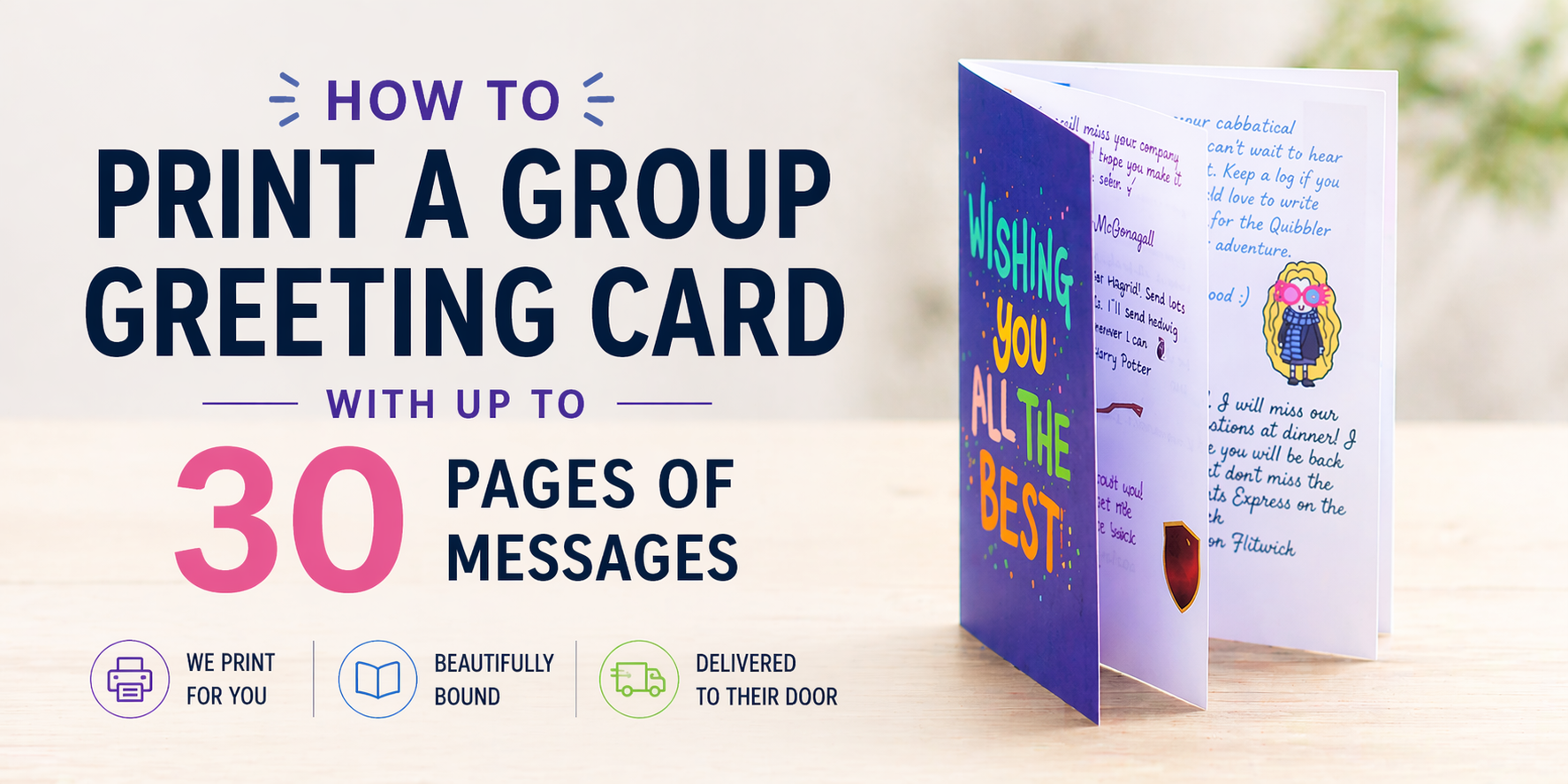
So you’ve created an incredible group greeting card… and it’s grown to 30 pages of messages.
That’s a great sign - it means loads of people contributed. But when it comes to printing, most people assume it’s going to be complicated, messy, or time-consuming.
The good news? It doesn’t have to be.
Here’s the easiest way to turn a large digital group card into a beautifully printed keepsake - without dealing with printers, formatting, or booklet settings yourself.
The Problem with Printing Large Group Cards Yourself
If you’ve ever tried to print a long group card manually, you’ll know the issues:
- Pages don’t format correctly
- Text ends up too small or cut off
- Double-sided printing goes wrong
- You’re left assembling 30+ sheets of paper
- It doesn’t feel like a “card” anymore
For anything beyond a few pages, DIY printing quickly becomes a hassle.
The Easier Way: Let the Card Be Printed for You
If you’re using GroupCards.io, you don’t need to worry about any of that.
Instead of exporting and printing manually, you can order a professionally printed version of your card directly.
That means:
- No formatting issues
- No printer setup
- No assembling pages
- A much higher-quality finished result
How Printing Works
Printing a group card is designed to be flexible depending on your situation.
Option 1: Send the Printed Card to Yourself
The card creator can simply:
- Order a print
- Have it delivered to their own address
- Hand it over in person
Perfect if you’re planning a team send-off or event.
Option 2: Send It Directly to the Recipient
Alternatively:
- The creator can prepay for printing
- The recipient can enter their own delivery address
This works especially well for:
- Remote teams
- Surprise deliveries
- When you don’t know their home address
Order Anytime (Before or After Sending)
You’re not locked into printing straight away.
- Prints can be ordered before or after the card is sent
- The printed version will include all messages added up to that point
👉 This is useful if contributions are still coming in or you want a final “complete” version later.
What About Large Cards (up to 30 Pages)?
This is where printed cards really shine.
Instead of dealing with dozens of loose sheets, your card becomes:
- A clean, structured booklet
- Easy to read and flip through
- Something that actually feels like a keepsake
And importantly - nothing gets lost or cut off, no matter how many messages there are.
If you want to go bigger, you can split the messages into multiple booklets and we're also working on a bigger print option so check back soon.
Tips for Getting the Best Result
To make the most of your printed card:
- Give people enough time to add messages before printing
- Add a cover message or title page
- Include photos where possible
- Do a final check before ordering
Remember: once printed, it reflects the card exactly as it was at that moment.
Why Printing Matters
A digital card is great, but a printed version is different.
It’s something they can:
- Keep long-term
- Revisit easily
- Put on a shelf or desk
- Look back on years later
For milestone moments - leaving, retirement, big life events - that physical version makes a big difference.
Create and Print Your Own Group Card
If you’re starting from scratch, GroupCards.io lets you collect messages from everyone in one place, no matter how big the group.
When you’re ready, you can order a printed version in just a few clicks - whether you want it sent to you or directly to the recipient.
You can find more details about how printing works here:
https://groupcards.io/print